Buy almost any other service and the login is obvious. Buy an IPTV subscription and an email arrives containing a web address, a username, a password, a second much longer link, sometimes a third link marked EPG, occasionally a QR code — and no explanation of which of those things the app on your television is going to ask for.
So the question people type into Google is perfectly sensible: how do I get my IPTV username and password, and what is all the rest of it for? This guide answers both, in the order the problem usually shows up. Where the credentials come from, what each line in that email actually does, how to type them without the six mistakes that cause most failed logins, what it means when they stop working, and why the “free logins” you will find posted online are never what they claim to be.
Quick takeaways
- Your credentials come from your provider and nowhere else. They are created with your subscription and they expire with it.
- A player app is an empty shell. Installing IPTV Smarters or TiviMate does not give you channels any more than buying a television gives you an aerial.
- The M3U link is not a second subscription — your username and password are inside that URL. Pick one format, not both.
- Choose Xtream Codes login where you can: categorised channels, the on-demand library and the EPG come with it.
- “Invalid credentials” is usually a missing port number, a capital letter, or a space copied in from a chat app.
- Works on the phone but not the TV? That’s almost always the connection limit, not a wrong password.
Where an IPTV username and password actually come from
There is one honest answer, and it disappoints a certain number of readers every month: your credentials are issued by the provider you subscribed to. They are generated the moment your line is created, they are tied to that line, and they die when it expires. You cannot invent them, no app can produce them, and they do not exist independently of a service somebody is paying for.
This is the single biggest misunderstanding in the whole field, and it’s why the app stores are full of one-star reviews from people who downloaded a free player and then complained that no channels appeared. The player is the television set. The subscription is the aerial. One is useless without the other, and only one of them is free.
In practice, credentials reach you by one of four routes:
- By email, straight after payment. The usual route. Check your spam folder before concluding nothing arrived — automated activation mail gets filtered constantly.
- In an account dashboard. Better-organised providers give you a permanent page where the details sit. That is far more useful than an email you will lose by February.
- In a chat message from a person. Common with smaller resellers, and it works — but your only copy then lives in a conversation thread you might clear.
- Printed on a card with a device. If you bought a preloaded box, the details are usually somewhere in the packaging. Photograph it before the box goes in the bin.
If you’ve paid and an hour has passed with nothing in your inbox or your spam folder, message the seller before you start changing settings. There is nothing to configure yet. With us it’s a WhatsApp message and a reply, usually within minutes; you can see exactly what you get on the plans page.
What each line in the email actually does
Open the message and you’ll usually find three or four items, sometimes six. Here’s what each one is for — and once you know, every app’s setup screen suddenly becomes readable.
| What you were sent | Looks like | What it’s for |
|---|---|---|
| Server URL (host, DNS, portal) | http://your-server.com:8080 | Tells the app which machine to ask for channels |
| Username | k7fq24xz | Identifies your line on that machine |
| Password | Rd90Lm3p | Proves the line belongs to you |
| M3U / playlist link | http://your-server.com:8080/get.php?username=… | The same three things glued into one URL |
| EPG / XMLTV link | http://your-server.com:8080/xmltv.php?… | Supplies the seven-day TV guide |
| MAC address | 00:1A:79:XX:XX:XX | Used instead of a login on portal boxes |
Two observations save an enormous amount of confusion.
First: the M3U link is not a separate subscription. Look at it closely and you’ll see your username and password sitting in the URL as parameters. It’s the same credentials wearing a different coat, which is why you never need both at once — you use whichever format the app in front of you prefers. If you were given an M3U link and the app you want asks for three separate fields, the converter on our setup page pulls the server, username and password back out of it for you.
Second: some services don’t use a username at all. Portal boxes — MAG models and certain Formuler devices — identify themselves by hardware address. You send the provider the MAC printed under the box, they register it, and the device logs itself in with nothing typed. If you were asked for a MAC rather than sent a password, that’s what’s happening, and our MAG box setup guide walks through it properly.
AI illustration (see prompt)
Entering them without making the usual mistakes
Nearly every “my subscription doesn’t work” message turns out to be a typing problem. Not a server problem, not an app problem — one character. Here’s the routine that avoids it.
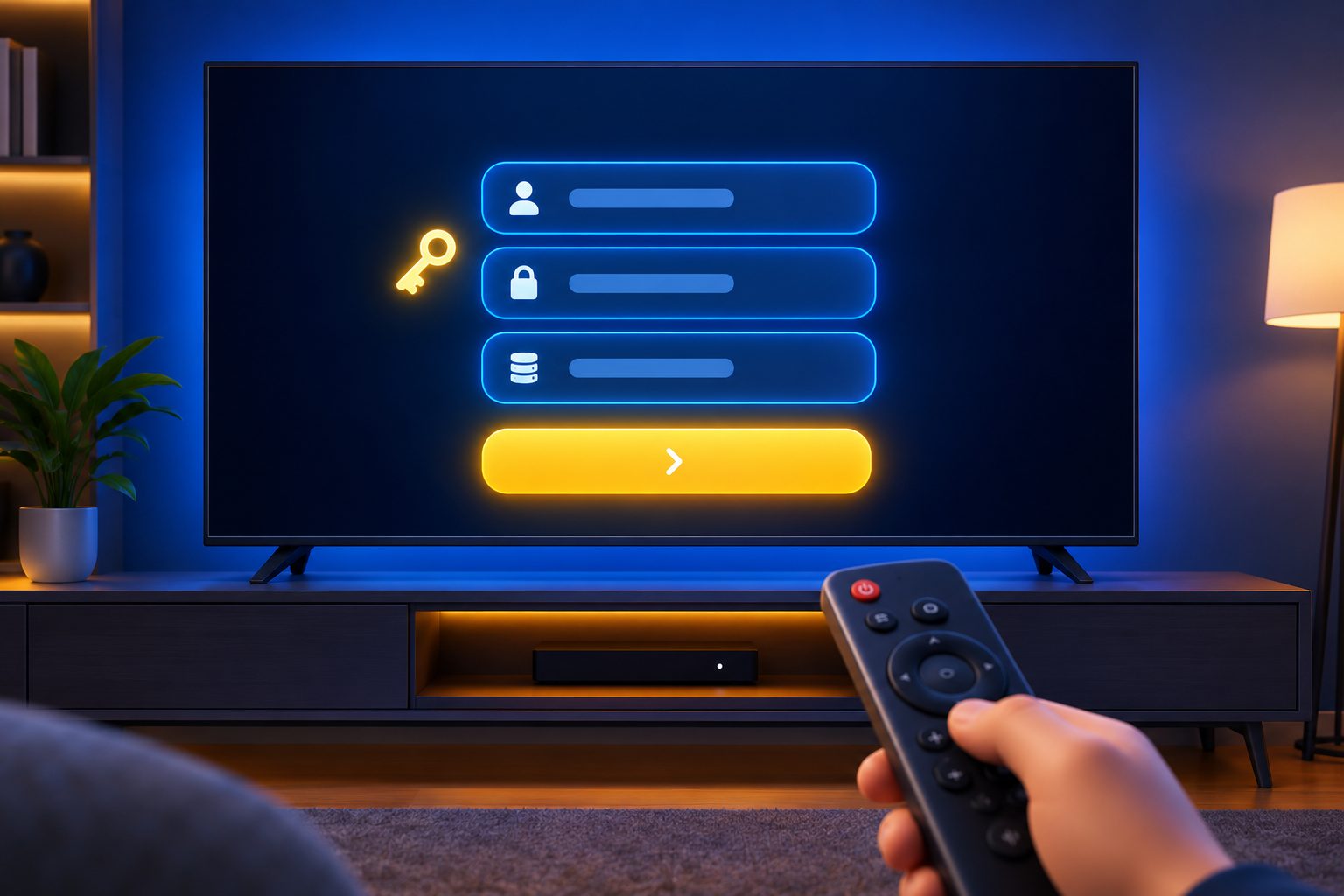
1. Pick the right login type first
Open your player and read the options on the first screen. If you have a server URL plus a username and a password, choose Xtream Codes API. You get a properly categorised channel list, the movie and series library, and a guide that refreshes itself when the provider changes something. If you were given one long link instead, choose the M3U / playlist option.
Choose the wrong one and then type the details perfectly, and you get an error identical to a rejected password — which sends people off fixing the wrong thing for an hour.
2. Type exactly what you were sent
Not something close to it. Specifically:
- Include
http://orhttps://, whichever the provider used. They are not interchangeable and the app won’t guess. - Include the port number with its colon —
:8080,:25461, whatever you were given. Dropping it is the single most common error there is. - Don’t add a trailing slash that wasn’t there, and don’t delete one that was.
- Treat username and password as case sensitive, because they are.
- Watch the lookalikes: capital
Iagainst lowercasel, digit0against letterO, digit1against letterl. - Check for a space silently added at the end when you copied. Phones and messaging apps love doing this and it is invisible on screen.
3. Paste rather than type, wherever you can
On a phone or a computer, paste. On a television, typing a forty-character string with a directional pad is genuinely miserable and error-prone, so use one of the escape routes instead: many providers issue a short activation code or a QR code that carries the details for you, several players let you load a playlist from a file, and some offer a web panel where you type on a real keyboard and the device pulls the details down afterwards.
4. Give the profile a name you’ll recognise
Most players ask for a playlist or profile name. It’s only a label for you, so make it useful — the provider’s name and the renewal month, for instance. Six months later, with two profiles on the box and one of them dead, you’ll be glad you didn’t call them both “IPTV”.
AI illustration (see prompt)
When the credentials stop working
They worked last night and this evening they don’t. Before assuming the worst, walk this list in order — it’s arranged from most likely to least.
| What you see | Usual cause | What to do |
|---|---|---|
| “Invalid credentials” immediately | Typo, missing port, or wrong login type | Delete the profile and re-enter by pasting, not typing |
| Worked yesterday, refuses today | Subscription expired | Check the renewal date with the provider |
| Works on the phone, not on the TV | Connection limit reached | Close the app elsewhere, or add a connection to the plan |
| Works on mobile data, not on home Wi-Fi | ISP blocking or DNS interference | Change the router’s DNS, or test through a VPN |
| Everything loads, nothing plays | Server-side problem at the provider | Contact support; nothing at your end will fix it |
| Rejected suddenly on every device | Credentials leaked or resold, line locked | Ask the provider to reissue them |
The third row deserves special attention, because it fools almost everybody. Every plan allows a fixed number of simultaneous streams — one, two, five. Exceed it and the extra device doesn’t display a polite message explaining the situation. It fails to log in, which looks precisely like a bad password. Before you conclude anything is wrong with your details, close the app properly on every other screen in the house — including one left open on a phone in another room — and try again.
What to send support, so you get a useful answer
Providers get a great many “it doesn’t work” messages, and the vague ones sink to the bottom of the queue simply because there’s nothing to act on. Send this instead and you’ll usually get a real answer first time:
- Your username, or the email you bought under. Never your password — legitimate support can see your line without it.
- The device and the app: “Fire TV Stick 4K, IPTV Smarters Pro”, not “my TV”.
- The exact wording of the error, or a photo of the screen with the credentials blurred out.
- When it last worked.
- What you’ve already tried — another device, mobile data, reinstalling the app.
That last point matters more than it looks. Testing on mobile data separates a network problem from an account problem in about thirty seconds, and it’s the first thing any competent agent will ask you to do anyway.
Keeping your login safe
Your credentials are worth money to other people, which is the entire reason they need looking after. Someone else using your line doesn’t just slow your streams — it eats your connection slots, and many providers suspend lines that appear to be running from a dozen different addresses at once. The account that gets punished is yours.
- Don’t post them anywhere. Not in a forum, not in a group chat, not in a screenshot of your setup screen. Blur them out of any photo before you send it, including to support.
- Keep one deliberate copy. A password manager is ideal; a note in your phone is acceptable. Relying on an email from eight months ago is how people end up buying a second subscription because they can’t set up a new television.
- Write the renewal date next to them. Most “sudden” failures are simply an expiry nobody noted.
- Ask for a reissue if you suspect a leak. Any real provider can generate fresh credentials in minutes. One that can’t, or won’t, has told you something about the service.
- Never reuse a password from elsewhere. Panels do get breached, and you don’t want that credential opening anything else you own.
And one more, which is the important one: never install a file a seller sends you privately, however helpful they seem, and never hand your credentials to a third-party “activation” service. A genuine helper can talk you through the screens without ever seeing your password.

AI illustration (see prompt)
The “free IPTV username and password” problem
Search that phrase and you’ll find pages promising working logins at no cost, refreshed every morning. It’s worth being blunt about what those actually are, because the promise isn’t merely unreliable — it’s usually a trap with a specific mechanism behind it.
Some are credentials stolen from paying customers, which die within days once the real owner reports the line. Some are expired trial accounts left online purely to generate advertising views on the page listing them. A good number are bait: the login genuinely works, but the “special player” you must install to use it is the actual product, and what you’ve really installed is something reading your device. And a proportion are plain phishing — a form asking for your existing details so a “renewal” can be applied to them.
Beyond that, the arithmetic never works. Delivering a hundred thousand channels costs real money in servers and bandwidth every single month. Nobody absorbs that to hand strangers free logins. When the product is free, the account is the product. Our piece on what Reddit actually recommends goes through the red flags in more depth.
Other IPTV providers worth shortlisting
Every provider hands you the same three fields, and every player accepts them, so switching costs about thirty seconds — which is exactly why you should test two or three services on a short plan rather than committing to a year on the strength of a website. Alongside ipplaytv, these are established names worth putting on the list:
- KiloTV — a long-running provider with a broad international line-up; useful as a second opinion on peak-time stability.
- ImaxIPTV — a large channel and VOD catalogue with straightforward pricing, and it logs into the same apps.
- Zyminex — strong device compatibility across Firestick, Smart TV and Android, with a short plan you can test first.
Judge them partly on this page’s subject, in fact: how clearly they send your details, whether there’s an account area you can go back to, and how fast they’ll reissue credentials when you ask. Those are small things, and they tell you how a service is run.
The bottom line
Your IPTV username and password are simply the line you bought, expressed in a form apps can read. They come from your provider, they belong to your subscription, they expire with it, and they can be reissued when something goes wrong. Everything else on this page follows from those four facts.
If you take three things away, take these: choose the right login type before you blame the details; enter the server URL exactly as sent, port number and all; and keep one deliberate copy of the credentials alongside your renewal date. That combination clears up the overwhelming majority of problems people bring to support, usually in under a minute.
Frequently asked questions
They’re issued by the provider when your subscription is created, and they arrive by email or appear in your account dashboard. No player app generates them, and there’s no legitimate source outside the service you’re paying for. If nothing has arrived an hour after payment, check your spam folder and then message the seller.
No — they’re the same credentials in two formats. Look closely at an M3U link and you’ll find your username and password inside it as parameters. Use the Xtream Codes login wherever the app offers it, because it brings the categorised channel list, the on-demand library and the EPG with it. Use the M3U link only for players that accept nothing else.
Usually the simultaneous connection limit. Exceed the number of streams your plan allows and the extra device doesn’t say so politely — it simply refuses to log in, which looks exactly like a wrong password. Close the app on every other device and try again. If it still fails, delete the TV profile and re-enter the details by pasting rather than typing.
On most services, no — the control isn’t exposed to customers. Ask the provider to reissue the credentials instead; it takes a couple of minutes. Bear in mind a reissue also invalidates your old M3U link, because the password is embedded inside it, so every device has to be logged in again.
Yes, for portal-based boxes such as MAG and some Formuler models. The subscription is bound to the hardware rather than to a typed login, so the box authenticates itself with nothing to enter. It also means moving to a new box needs the provider to register the new MAC for you.
No. Publicly posted logins are typically stolen from paying customers and die within days, expired trials kept online for ad revenue, or bait attached to a modified player you’re asked to install. Delivering a large channel line-up costs real money in servers and bandwidth every month, and nobody absorbs that to give strangers free access.
Your username or the email you paid with — never your password — plus the exact device and app, the precise wording of the error, when it last worked, and what you’ve already tried. Testing on mobile data separates a network problem from an account problem in about thirty seconds, and it’s the first thing any competent agent will ask.
Yes. The same username and password go on every device you own; what’s limited is how many can play at the same time. A one-connection plan means one screen at a time, so if two rooms need different channels at once, pick a plan with more screens before you buy (on ipplaytv: 2 on the 1 year plan, 3 on 2 years, 5 on lifetime).
Keep reading
The get.php link, piece by piece.
12 fixes, in the order that solves most problems fastest.
Where exactly the username, password and server URL go, screen by screen.
The one kind of subscription that has no username at all.
What the subscription includes, what it costs and where it falls short.
How the 24-hour test works, and what to check while it runs.
Which player to install on each device — and why there is no branded app.
What to send us so a problem gets solved on the first reply.
Related reading
IPTV Smarters Pro not loading, buffering or rejecting your login? 12 fixes in the order that…
Hockey coverage, CBC/CTV/Global locals, French channels and fair pricing in Canadian dollars.