Almost nobody should buy an IPTV subscription without testing it first. Channel counts on a sales page tell you nothing about whether your channels are there, whether the picture holds at kick-off, or whether anyone answers when something breaks. That is what the IPPLAYTV free trial is for: 24 hours of the full service, no card, no commitment, so you can find out on your own TV and your own internet connection.
This guide covers how to get it, what lands in your inbox, how to set it up in about ten minutes, and — the part most people skip — what to actually test while the clock is running.
Quick takeaways
- 24 hours, full premium access, no card details and no auto-charge at the end.
- Ask on chat at ipplaytv.best; delivery is usually inside five minutes.
- You get three things: a username, a password and a server URL.
- Start the trial before a live event, not on a quiet morning — peak load is the real test.
- A free trial and “free IPTV” are not the same thing. One is a test of a real service; the other is a dead playlist with malware attached.
What the IPPLAYTV free trial includes
It is not a cut-down demo. A trial line is the same line a paying customer gets, with the clock set to 24 hours:
- The full channel line-up — 100,000+ live channels from 60+ countries.
- The complete on-demand library, 290,000+ films and series.
- The 7-day EPG.
- Live sport, including the events people actually switch for.
- Support on chat during the trial, exactly as if you had paid.
What it does not include: nothing is held back by tier, because there are no tiers. The only limits are the 24 hours and one stream at a time — a trial line counts as a single screen.
How to get it — three steps
- Open the chat on ipplaytv.best. The button is in the corner of every page on this site.
- Ask for the 24-hour trial and say which device you will test on — Firestick, Samsung, LG, Android box, phone, MAG. This matters: Samsung and LG TVs need your MAC address registered, and MAG boxes need the box’s MAC, so telling us up front saves a round trip.
- Wait about five minutes. The credentials come back on the same chat.
There is no form, no card and no account to create. We ask for a device, not for your payment details — if any site using our name asks for a card “to verify” a free trial, you are not on ipplaytv.best.
What you receive
AI illustration (see prompt)
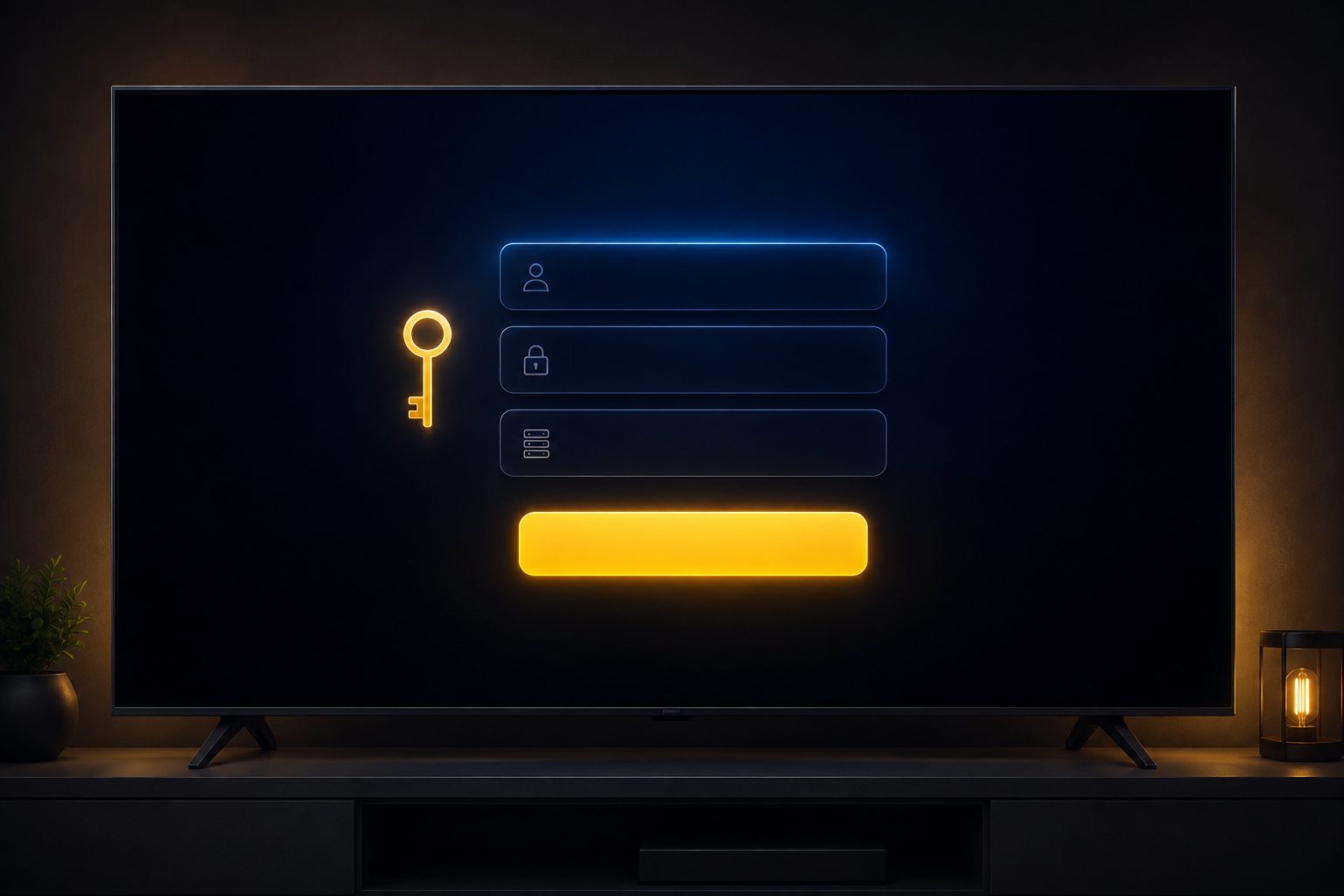
Three values, and they are all you need:
- Username — identifies your line.
- Password — case-sensitive, and this is where most failed logins come from.
- Server URL (sometimes called the portal or host) — tells the app which server to talk to.
If your device wants an M3U link instead, that is the same three values assembled into one address; the setup page has a converter that builds it for you. For a full breakdown of what each field does and the six typos that cause almost every “invalid login” message, read IPTV username and password explained.
Setting it up in the first ten minutes
Do not spend a third of the trial installing things. Pick the shortest path for your device:
- Firestick / Fire TV: install the Downloader app, pull in IPTV Smarters Pro, choose the Xtream Codes login and type the three values. Full walkthrough: how to install IPTV on Firestick.
- Samsung / LG Smart TV: install an IPTV player from the TV’s own store and send us the MAC address if you have not already. See how to install IPTV on a Smart TV.
- Android phone or box: IPTV Smarters Pro or TiviMate from Google Play, then the same Xtream Codes login.
- iPhone, iPad, Apple TV: any Xtream-compatible player from the App Store.
- MAG box: the portal URL goes in Settings → System Settings → Servers → Portals. See the MAG box setup guide.
Set it up on the TV you actually watch on, not on your laptop. A laptop on Wi-Fi next to the router will look perfect and tell you nothing about the Firestick in the back bedroom.
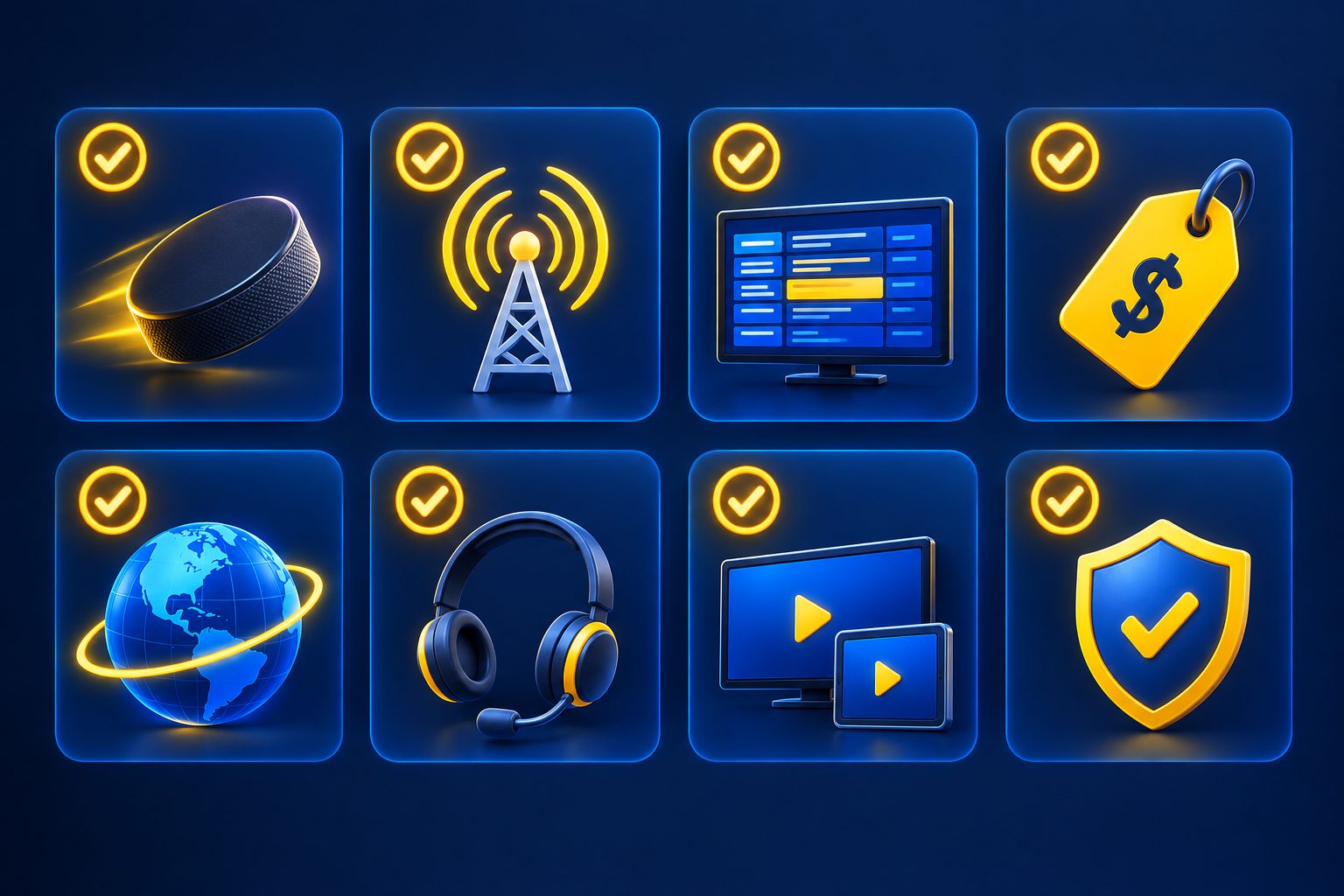
The seven checks worth running
AI illustration (see prompt)
1. Watch at peak, not at 3am
This is the one that matters most and the one almost everybody skips. Any IPTV service looks flawless on a quiet Tuesday morning. The question is whether it holds together when everyone tunes into the same match at once. Time the trial so it covers a real event.
2. Check your own channels by name
Write down the five or six channels you would genuinely miss and find each one in the guide. “There are lots of sports channels” is not an answer; “my regional sports network is there in HD” is.
3. Open the EPG
A guide that is empty, shifted by a few hours or in the wrong language becomes a daily irritation. Check it before you pay, not after.
4. Play something from the VOD library
Pick a film, confirm it starts quickly, then scrub to the middle and confirm it picks up again without a long stall.
5. Change channels ten times in a row
Zapping speed is one of the clearest differences between a well-provisioned service and an oversold one, and you only notice it when you deliberately look for it.
6. Test the second device
Install the same login on your phone. A trial line plays on one screen at a time, so you will see that limit in practice. If your household needs two or more channels at once, the paid plans go further: 2 screens on the 1 year plan, 3 on 2 years and 5 on lifetime — see how many devices one IPTV subscription covers.
7. Message support with a real question
Ask something you genuinely want to know and watch the clock. Support response time during a trial is the single best predictor of what support looks like in month six.
Why the trial is 24 hours and not a week
Two honest reasons. First, a trial line costs the same server capacity as a paid one, and a week of free lines for everyone who asks is how providers end up overselling and degrading the service for people who paid. Second — and more usefully — 24 hours is enough. Every check above fits comfortably into one evening. A week mostly adds procrastination, not information.
If 24 hours genuinely does not cover the event you want to test against, say so on chat. We would rather move the window than have you buy blind.
A free trial is not “free IPTV”
These two phrases look similar and mean opposite things. A free trial is a real, supported service with a timer on it. “Free IPTV” usually means a scraped M3U playlist that dies in days, runs at low resolution, is full of dead links, and comes bundled with a “player” you should not install. The IPTV communities on Reddit are close to unanimous about this — we covered the pattern in best IPTV according to Reddit.
The same goes for “free IPTV login and password” lists. Those credentials are either stolen from a paying customer or bait for a malware download, and they stop working the moment the real owner notices.
After the trial ends
Nothing happens automatically. There is no card on file, so nothing is charged and nothing renews — the line simply stops. If you want to continue, message us and we start a plan: $15 for a month, $80 for a year, or one of the two limited promos — $120 for two years or $150 for lifetime access. All one-time payments. The full table is on the pricing page, and our own honest assessment of the service is in the IPPLAYTV review.
One last thing, because it is the most common way people lose money with this brand name: the trial only exists at ipplaytv.best. Check the address bar before you type anything anywhere.
Frequently asked questions
Yes. No card details, no deposit and no automatic charge at the end. If a site using our name asks for payment details to “unlock” a free trial, you are not on ipplaytv.best.
Usually about five minutes on chat. If you are testing a Samsung or LG Smart TV or a MAG box it can take slightly longer, because the device’s MAC address has to be registered first.
One trial per household as a rule. If something went wrong and you could not properly test — a router outage, the wrong device, the event you wanted was outside the window — tell us and we will usually reissue it.
Yes — a trial line is the full line-up. That is deliberate: sport at peak time is the only test that tells you anything useful about an IPTV service.
IPTV Smarters Pro is the safest default and works on nearly everything. TiviMate is better on Android TV if you like a tidier guide. Both take the same Xtream Codes login — see the Smarters Pro guide.
Almost always a typo: a capital letter, a trailing space, or http versus https and the port number in the server URL. Copy and paste rather than typing where you can. The full list of failure causes is in IPTV username and password explained.
You can install it on as many devices as you want, but a trial line plays on one device at a time. Paid plans go further: 2 screens at once on the 1 year plan, 3 on 2 years and 5 on lifetime.
No. Test on your normal connection — that is the connection you will be watching on. Adding a VPN only makes it harder to tell whether a problem is the service or the tunnel.
Keep reading
How many screens one subscription covers, and how to choose.
12 fixes, in the order that solves most problems fastest.
What the subscription includes, what it costs and where it falls short.
What each field does — and how to fix a rejected login.
The fastest way to get a trial running on a Fire TV.
Samsung, LG and Android TV, MAC address included.
Login, EPG and the buffering settings that matter.
Why “free IPTV” and a free trial are not the same thing.
How to tell ipplaytv.best from the look-alike domains, in four seconds.
What to send us so a problem gets solved on the first reply.
Related reading
Cut through the threads — the traits every service Redditors actually keep, and the red flags…
IPTV Smarters Pro not loading, buffering or rejecting your login? 12 fixes in the order that…